Fan-made wiki&guide
Build Your Voxel Coaster Wiki&Guide
Build a short track, test your minecart, and keep a saved version. Find practical guides for rails, tunnel designs, reward cards, and playing with friends.
Start Here
- Beginner Guide Make a short route, try a ride, and check a saved version before starting a larger project.
- Check daily rewards Read the available daily card and compare your cash or TNT after claiming.
- Take a minecart test ride Find the cart, check boarding, and locate the first point that needs a track adjustment.
- Organize save slots Identify usable cards and give each stored version a clear purpose before your next experiment.
Find the Guide You Need
Choose the part of your coaster session you want to work on.
What is Build Your Voxel Coaster?
Build Your Voxel Coaster is a Roblox sandbox building experience by Kami x Hanox. Build with blocks, create a roller coaster, and ride the route you put together.
Play in a shared space with friends and save your creations. The interface also includes daily reward cards, time rewards, building audio settings, and separate shop offers.
Build a track you can test one section at a time
Start with a readable line, add a corner, then compare pieces and inspect any fault. Each pass gives the next test a clear starting point.
Lay a short straight section
Keep the joins visible so you can inspect the route before adding more pieces.
Plan a corner with an entry and exit
Connect two recognizable sections and test the turn before extending the layout.
Compare one rail change
Read the item description and keep the cart setup consistent while testing a different section.
Inspect the first unexpected point
Locate the fault and change one thing before repeating the ride.
Turn a tested route into a recognizable design
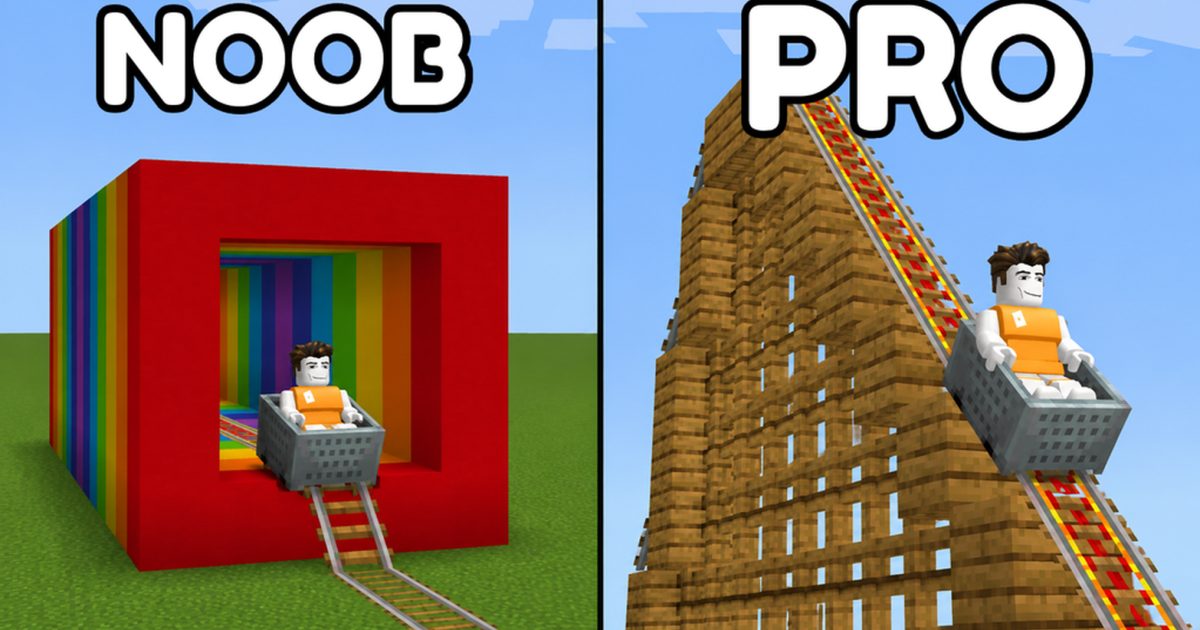
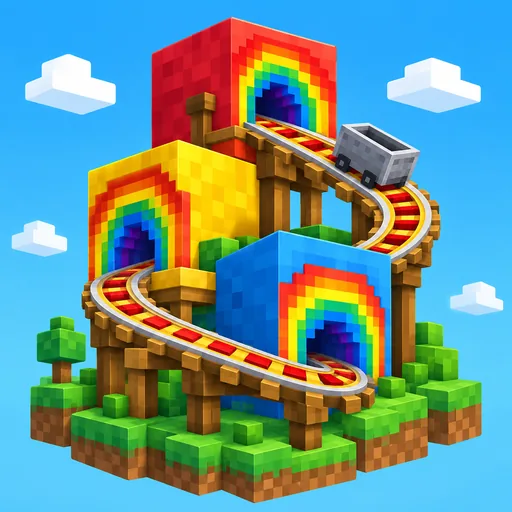
Build Your Voxel Coaster Rainbow Tunnel: A Small Build
Plan one tunnel opening and a repeating color pattern, then check the view from your cart.
Build Your Voxel Coaster Wooden Coaster: Plan the Frame
Choose a manageable footprint and wooden frame pattern before extending the structure.
Build Your Voxel Coaster Decoration: Make Routes Readable
Mark the start and key corners with scenery, then check the ride after each addition.
Check the next change before committing to it
Build Your Voxel Coaster Load Guide: Test a Saved Build
Preserve current work, identify the saved card, and test LOAD with a small creation.
Build Your Voxel Coaster Delete Blocks: Choose the Scope
Match the selected editing control to the amount of the build you intend to change.
Build Your Voxel Coaster Game Passes: Check Before Buying
Compare a current product description and checkout terms with the task you want to solve.
Questions before your next build
What should I build first?
Start with a short rail route that you can inspect from end to end. Try a minecart ride and check a manual save before expanding it.
Can I play with friends?
Yes. The game supports playing with friends, with up to 12 players per server. Check joining settings and current editing permissions when coordinating a project.
How should I check a save?
Open SAVE, use the intended usable card, and inspect its saved preview and recent-save details. Test loading with a small creation before depending on it for a larger project.
Are daily and time rewards the same panel?
They are separate panels. Read the available daily card or the TIME REWARDS countdown and claim state, then check the resource named on that card.
Does 2X Speed mean my coaster travels twice as fast?
The September 17 SETTINGS description concerns player movement. Read the current product description and compare rail changes separately when testing a cart ride.
Start your next coaster with a small, testable route
Pick the first section, check the ride, and keep a version you recognize before the next building pass.