
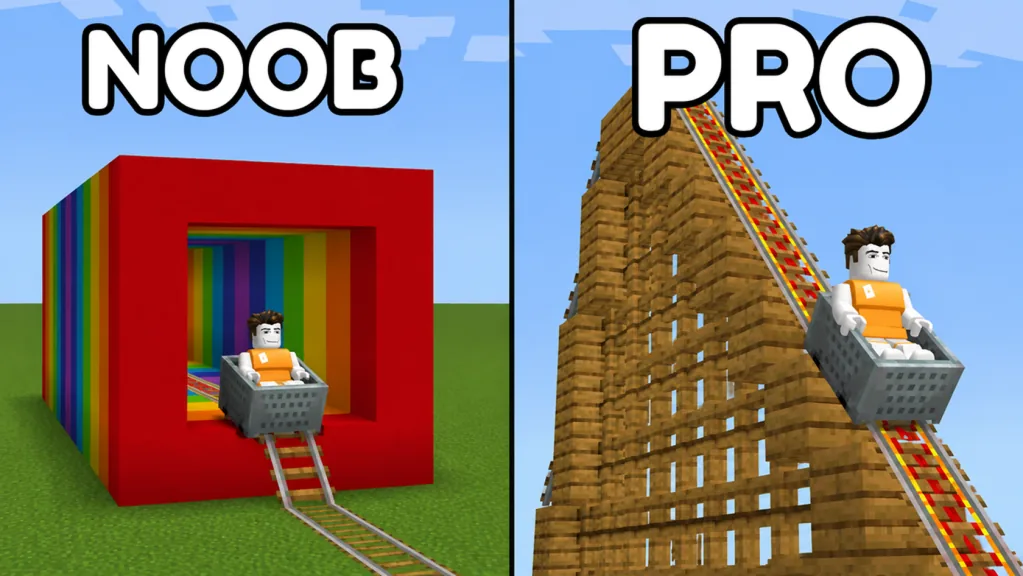
Identify the piece, then compare one change
Open BLOCKS and inspect TRACK. Start with plain Rail as a short-route baseline, then compare another rail on one section while keeping the surrounding layout and cart setup consistent. Read the current item label and description before assigning it an effect.
Use each rail’s appearance to recognize the piece you selected. To find out how one affects your ride, read its description and test it on the same section.
Read the catalog by item, not just category
The September 17, 2026 TRACK panel contains plain Rail, chain rail, a red-and-gold rail entry and Minecart. Minecart is the vehicle used for a ride; being listed in TRACK does not make it a rail segment.
Check the current catalog for item names and availability. TRACK showed four entries on September 17; count the entries in your own panel before planning around that number.
| Recognizable entry | What you can identify | Useful comparison task |
|---|---|---|
| Plain Rail | The basic Rail label and appearance | Establish a short route you understand |
| Chain rail | Its chain-related label and rail appearance | Compare one section with the baseline |
| Red-and-gold rail | A visibly different rail entry | Read its current name and test one change |
| Minecart | The cart entry | Use a consistent riding setup |
Keep the label and preview together when selecting a piece. If an item name is difficult to read, inspect it in the current panel rather than naming it after a similar-looking item from another game.
Establish the plain-rail reference
Build a short section you can inspect from several angles. Check the joins, use a recognizable starting setup, and ride it before changing the rail selection.
Note the first unexpected point, if there is one. Repair a visible connection issue before using the route to compare special pieces. A gap or direction change left in the route can confuse the rail comparison.
The straight track guide helps with that first reference layout. Save a recognizable version once the test meets your immediate goal.
Compare one rail section at a time
Choose one part of the baseline for the comparison. Change the selected section while leaving the neighboring layout and your starting setup as consistent as possible.
Then repeat the ride. Record what happens at the changed section and immediately after it. If the result is unclear, inspect the joins and repeat the comparison before drawing a conclusion.
A simple test record can contain:
- The displayed name or appearance of the selected rail.
- The section you changed.
- The starting cart position used for the comparison.
- The first point where the two rides differed.
- Any connection correction made between tests.
Keep enough detail to repeat the test on the same layout. Before treating a result as a general speed or uphill rule, check the starting setup and connections, then repeat the ride.
Keep rail experiments separate from pass choices
The 2X Speed description in SETTINGS concerns player movement. If you want to compare how a cart rides a section, keep your attention on the route, the rail description and the ride test.
Check a paid offer’s specific description before choosing it for a ride-related goal. The game passes guide covers that decision separately.
After testing one change on a small route, try it on a more complex section. Add a curve or height change in a separate pass so you can still tell which edit changed the ride. Use track troubleshooting if a fault remains tied to one connection.
FAQ
Which rail should I use as a first comparison?
Plain Rail makes a useful reference. Build and test a short layout before changing one section.
Is Minecart a rail type?
It is the vehicle entry listed in TRACK. Treat cart interaction and rail selection as separate tasks.
Does a red-and-gold appearance prove a speed boost?
No. Read the current item description and compare it on the same test route before assigning an effect.
Why change only one section during a test?
It makes the two rides easier to compare. Several simultaneous rail and layout changes make it harder to identify what affected the result.