
Organize the slots your account can use
Open SAVE and count the cards that offer the actions you need. Assign each usable card a purpose, such as your current coaster or a small test layout, then check its preview before saving or loading.
Know which version belongs in each destination before using its buttons. Check each card’s access state and inspect AutoSave timing in the current panel.
Read usable, empty, and locked states separately
On September 17, 2026, the SAVES panel contained six cards. AutoSave and Slot 2 were usable on that account, while four other cards displayed a locked state. Slot 2 was initially Empty and then gained a saved preview after a manual save.
Use that example to recognize empty, saved, and locked cards. Then check the slot access, capacity, and controls on your own account.
| Card state or detail | What it tells you to check |
|---|---|
| Empty | Whether this usable destination has a stored creation yet |
| Saved thumbnail | Which version the destination currently represents |
| SAVE and LOAD controls | Which actions are currently offered on the card |
| Locked state | Whether the card can be used on this account |
| AutoSave label | The named card, without establishing an automatic interval |
Read your account’s current access before planning around a second destination. The example describes the cards usable on that dated account.
Give each usable card one job
When you have two suitable destinations, a simple arrangement is to keep one for the working coaster and one for experiments. For example, preserve the completed short route in one card while testing a new corner in another.
Assign those roles yourself and use a short note outside the game to remember what each card holds. Check the current panel for a renaming control before planning around one.
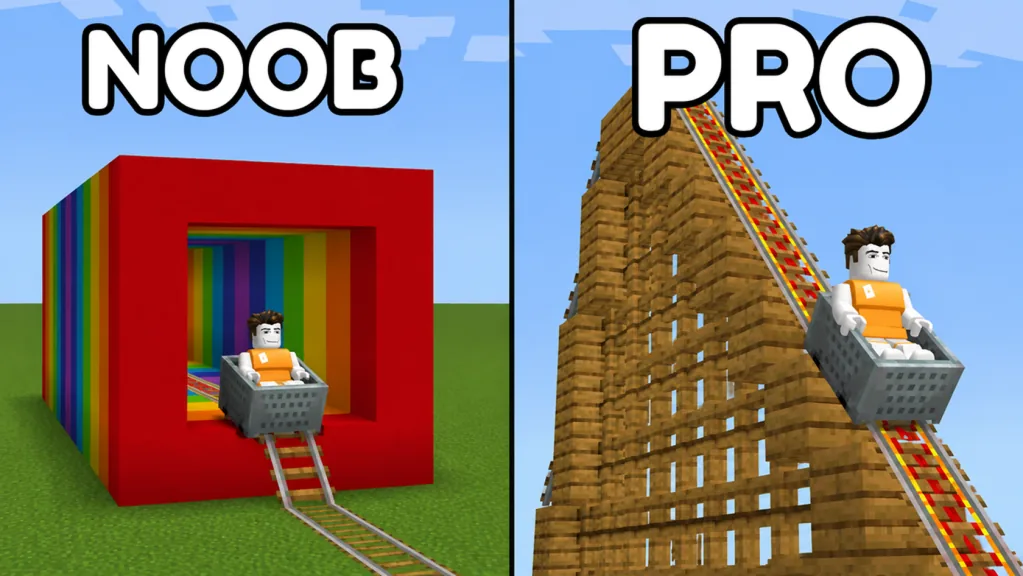
Pick visual differences that make the previews useful. A small wooden platform beside the track can distinguish a test layout from the larger rainbow tunnel project. The goal is to recognize the saved version without guessing from the slot position alone.
If you have only one suitable card, decide which creation deserves that destination before updating it. A smaller test you can rebuild may not need to replace the main coaster you want to retain.
Check the version before changing a card
SAVE and LOAD serve different purposes. SAVE stores the current version in the chosen destination; LOAD is the action to inspect when you want to restore its stored creation. Read any current prompt before confirming either action.
Before a manual save, compare the occupied card with the version you intend to keep. After saving, check the thumbnail and recent-save details. Follow the save guide for that sequence.
Before a load test, preserve any current work you care about and identify the sample’s card. Follow the load guide with a disposable creation first. Do not assume loading creates an extra copy or that overwritten versions remain available in a history menu.
That two-way check prevents a common organizational mistake: choosing the correct action on the wrong version. Slow down when two previews look similar.
Evaluate extra access only when you need it
A locked card is a reason to inspect the current unlock offer, not a requirement to purchase immediately. Read the displayed access terms and price before deciding whether another destination would improve your workflow.
An extra slot can be useful for keeping distinct projects, but it does not fix uncertainty about which build you saved. Practice the manual card check with existing access first. The game passes guide explains how to read current offers without treating old labels as current purchase terms.
Check access and capacity separately. Read the current card’s block count and capacity to see whether your creation fits, rather than applying one dated account’s limit to your own build.
FAQ
How many save slots does the game have?
Six cards were visible in the September 17 panel. Check the current SAVES panel for the cards and access available on your account.
Are AutoSave and Slot 2 free for everyone?
They were usable on the account shown in that example. That does not establish the entitlement of every account or the current unlock terms.
Can I use a slot as a test destination?
Yes, you can organize a usable destination around a small experiment. Keep track of the version it represents before using SAVE or LOAD.
Can I rename my slots?
Check the current panel for a renaming control. Recognizable previews and a short external note can help you track versions either way.
Do I need to unlock more slots before building?
Start with the usable access you already have. Consider another destination when you have distinct creations to keep and understand the current offer.