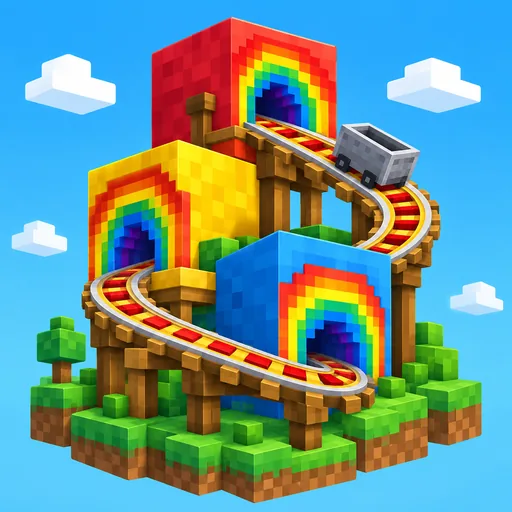
Build something you can test first
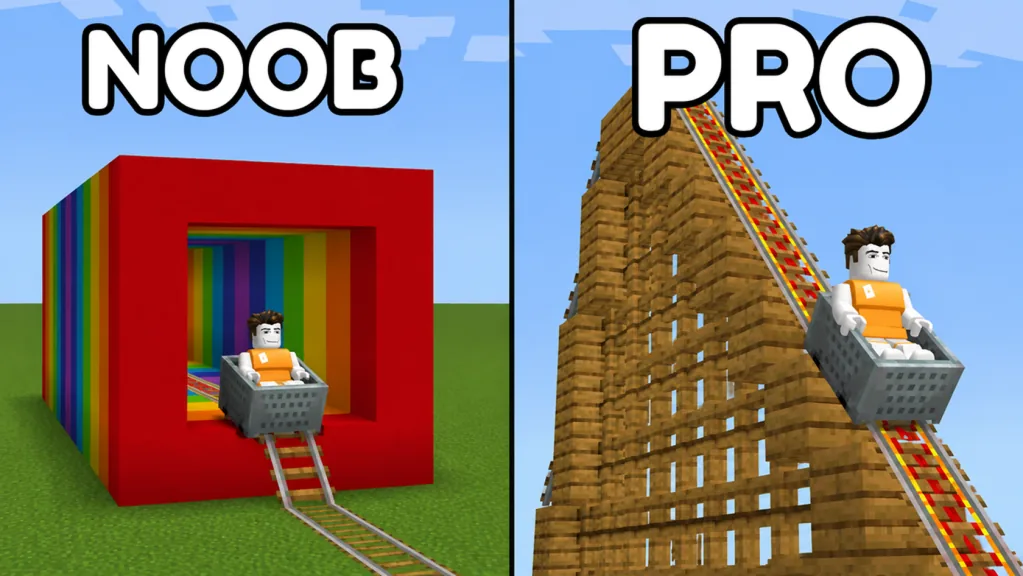
In Build Your Voxel Coaster, start with a short rail route. Ride it in a minecart, then save the version that works. Leave the huge structure for later, when you know how the connections behave.
Keep the first project small enough to check each step: selecting and placing a rail, riding the result, and finding its saved version. Then add one corner or rail section at a time.
Build Your Voxel Coaster is a Roblox sandbox by Kami x Hanox. Its main activities are building with blocks, creating and riding a coaster, saving creations, and playing with friends. Choose your own project; the steps below are a suggested learning order.
Learn the menus before filling the grid
Look around the shared workspace for the build and save controls. Use BLOCKS to choose materials, test the ride on your track, and use SAVE to store the result.
| Control | What to look for | First useful action |
|---|---|---|
| BLOCKS | Search Items and CATEGORY | Find a rail or building piece |
| TRACK | Rail and Minecart entries | Select the pieces for a short test |
| BUILDING | Construction materials | Leave scenery until the route works |
| SAVE | Saved cards with SAVE and LOAD | Identify a usable destination slot |
| TIME | Time reward cards | Read the countdown or claim state |
| SETTINGS | Music and other options | Set audio to a comfortable level |
Follow the interaction prompts shown for your device. Treat the selected item and placement preview as your immediate reference while learning the controls.
Make a small baseline route
Choose plain Rail and work in a clear section of the grid. Place a short line, then inspect it from the side and above. Look at where one segment ends and the next begins; scenery can wait until you can read those joins easily.
Work through a short test:
- Select the rail you intend to use and check the preview.
- Place a few segments without introducing several different track pieces.
- Inspect the connections before extending the line.
- Select Minecart and use the displayed interaction prompts to test the route.
- Change one segment or connection, then repeat the test.
When the straight section behaves as intended, try a corner. A compact rectangular layout gives you a manageable project with several changes of direction. Build and test one corner before committing to the entire outline.
If a ride stops where you did not expect, remember the position. Inspect that join rather than replacing everything at once. The straight track guide and track troubleshooting guide take that process further.
Save a version you recognize
Open SAVE and inspect the cards available on your account. Choose the intended slot, use its SAVE control, and check for a saved preview or recent-save state afterward.
Pause before using LOAD while an unfinished project is on screen. First save the version you want to keep. Use a small disposable build to learn how the current load controls behave before depending on them for a large structure.
The save guide walks through the card checks. Save after a successful ride test so you have a version you can recognize.
Check rewards without losing your project focus
DAILY REWARDS and TIME REWARDS are separate panels. Read the current card and claim it when available, then check your cash or TNT balance. Once you have checked the payout, return to the route you were building.
Read a paid offer’s current description before considering a purchase. For example, the 2X Speed description refers to player movement. Choose an offer only after identifying the problem you want it to solve.
Finish your first session with one tested section and a recognizable saved version. Add decorations, a tunnel, or a taller route to that foundation during the next building pass.
FAQ
What should I build first?
A short, easy-to-inspect rail route is a useful first project. Test the straight section before adding corners or scenery.
Where do I find rails and a minecart?
Open BLOCKS and inspect TRACK. Use Search Items and the category controls to locate the current entries.
How do I know I saved my creation?
Inspect the chosen card after using SAVE. Look for its saved preview and recent-save state rather than relying on having opened the menu.
Can I play with friends?
Yes. Servers have a maximum of 12 players. Join the same server to show each other your creations and take turns testing the routes.