Give the scenery one job at a time
Choose a small palette, mark a few recognizable parts of your route, and add scenery in separate passes. Keep rail connections visible while building, then check the result from the rider’s view.
Let the scenery help riders find their way around your build. Give the start a distinct look or mark a corner, then carry a color pattern through the route. Leave space where the ride already looks clear.
Start with the route you already understand
Test the track before developing its surroundings. Take a screenshot or keep a saved version you recognize so you can compare the result after adding scenery.
Decide where you want the first visual change. Choose an entrance marker, one corner landmark or a small repeated border. Finishing one feature gives you a reference for the rest of the design.
Leave the joins accessible during the scenery pass. If a ride changes unexpectedly, you still need to inspect the relevant connection instead of searching through a large unfinished structure.
Choose a small set of materials
Open BLOCKS and inspect BUILDING. Choose materials currently available to your account and arrange a sample near the project before extending it.
Use a main material and a small number of contrasting choices. Compare the sample from outside the route and from the cart. If the colors look different from those viewpoints, choose the combination that suits the view you care about most.
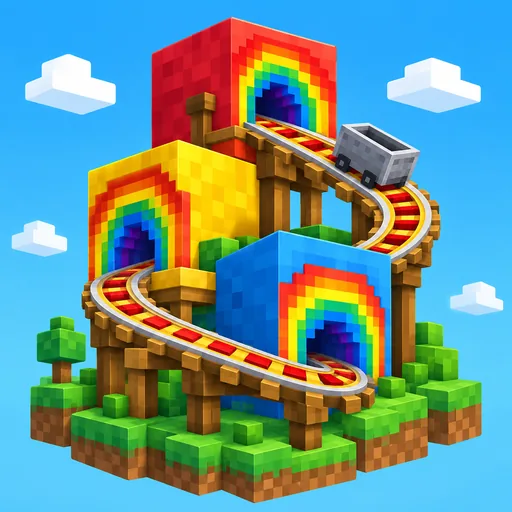
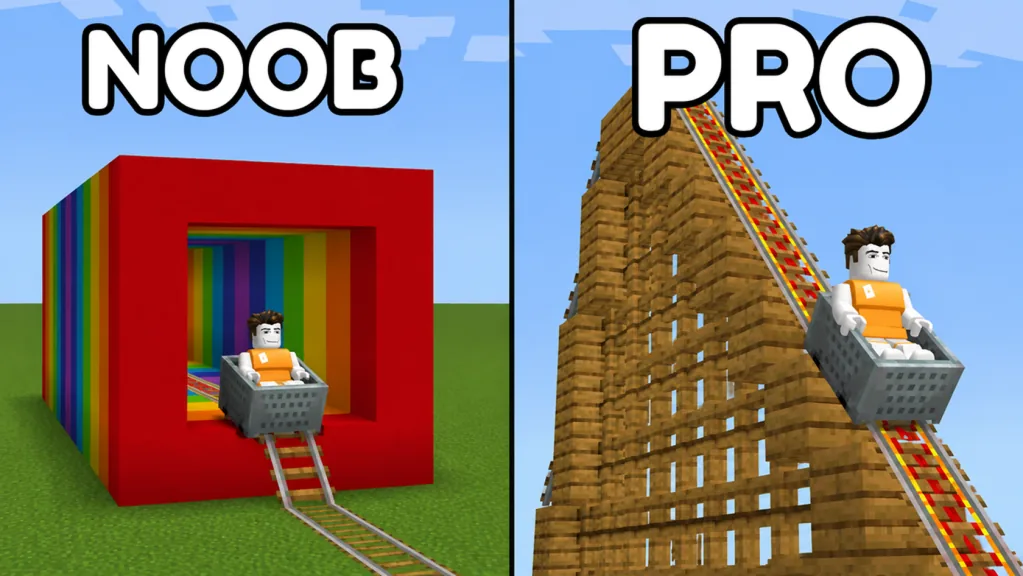
A wooden theme can work around a repeated frame, while a colorful theme can work through bands or landmarks. The wooden coaster guide and rainbow tunnel guide develop those as separate projects.
Place landmarks where they help orientation
Choose a few points that a rider or visiting friend can recognize easily. Arrange blocks you already have into a distinct shape or color pattern. You do not need to hunt for a special named landmark item.
| Location | Suggested visual feature | Check from the ride |
|---|---|---|
| Starting area | A distinct color or small frame | Can you recognize the beginning? |
| Main corner | A contrasting block arrangement | Can you identify the turn being discussed? |
| Long section | A repeated visual pattern | Does the pattern remain consistent? |
| End of a themed section | A deliberate change in color | Does the transition look intentional? |
Pick the features that suit your route and leave the rest for later. You do not have to fit every example into the first version.
Test a scenery pass independently
Add the chosen feature, then repeat your familiar ride. Compare the view and route behavior with the undecorated version.
If the scene feels crowded, adjust the feature you just added before changing the entire palette. If the ride develops a fault, locate its first unexpected point and inspect the surrounding area. Use the track troubleshooting guide for the route check.
Check the actual arrangement by riding your own layout. Ride through a gap even if it looks wide enough from a distant camera view. Check that result as part of the same pass in which you check the colors and scenery.
Finish with an outside view and a rider view
Step away from the build and compare the overall outline with your original goal. Check whether the major landmarks stand out and whether unfinished patterns are intentional.
Then ride the route again. A feature that looks clear from far away can feel busy from the cart, so give both viewpoints a final pass.
Save the version you want to retain and inspect its card. For the next session, choose either another decoration feature or a route extension. Test them separately so you can tell what changed on the next ride.
FAQ
Where do I find building materials for scenery?
Open BLOCKS and inspect BUILDING. Choose from the entries currently available to your account.
What is a useful first decoration?
Try one recognizable starting-area marker or corner landmark. Finish a small feature before extending the theme.
Should I hide the track inside scenery immediately?
Keep connections visible while testing the first pass. Develop enclosed designs as a separate project after you understand the route.
Why inspect both the outside and rider views?
They show different parts of the design. Comparing them helps you choose landmarks and patterns that suit the actual ride.