Build Your Voxel Coaster Straight Track: Start a Clean Run
Lay Build Your Voxel Coaster straight track with plain rails, inspect each connection, and test a baseline before adding curves, special rails, or scenery.
Type to search the site
Start with a short route, then develop corners, themed structures and scenery through small ride tests.
Rail layout, troubleshooting and focused design projects for a coaster you can inspect and improve.
Lay Build Your Voxel Coaster straight track with plain rails, inspect each connection, and test a baseline before adding curves, special rails, or scenery.
Plan Build Your Voxel Coaster curved track around clear straight approaches, inspect each corner, and test turns separately before completing a larger loop.
Compare Build Your Voxel Coaster track types by their labels and appearance, use plain rails as a baseline, and test one changed section with the same minecart.
Use Build Your Voxel Coaster track troubleshooting to locate the first failed join, compare your last edit, and test one correction before rebuilding the route.
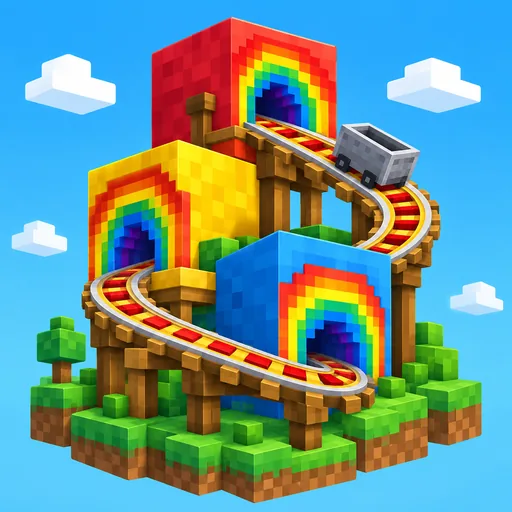
Design a Build Your Voxel Coaster rainbow tunnel around a tested rail line, choose a repeatable color pattern, and check the view before extending the walls.
Plan a Build Your Voxel Coaster wooden coaster with a small footprint, a readable framework, and a tested rail route before adding more height or decoration.
Plan Build Your Voxel Coaster decoration with a simple palette, clear landmarks, and separate scenery passes that keep your rail connections easy to inspect.
Use Build Your Voxel Coaster delete blocks controls by scope: check the trash icon, whole-build button, and saved version before removing parts of your project.
Found a rough edge, have a new idea, or just want to leave a note? We read every one.